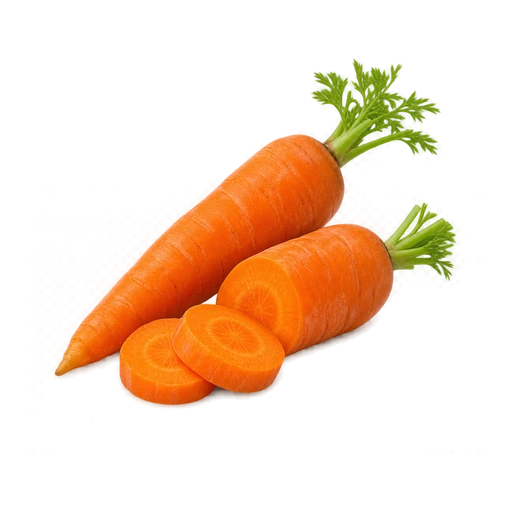
Carrots2 pcs · fridge
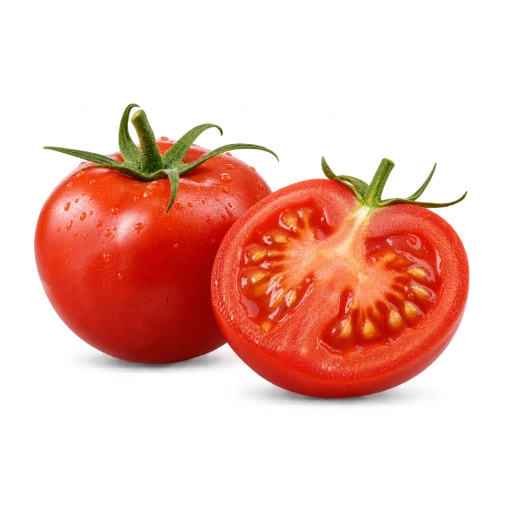
Tomatoes500 g · fridge
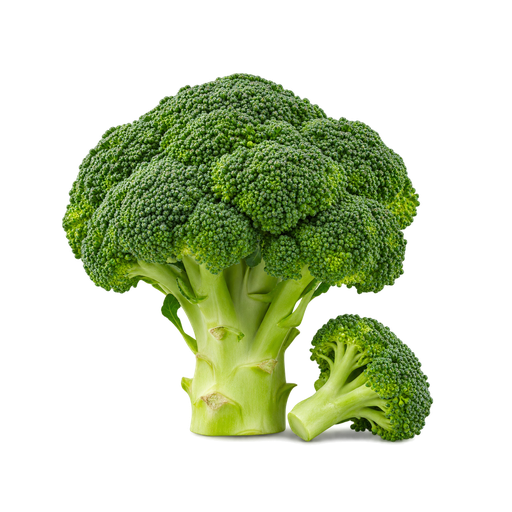
Broccoli1 pc · fridge
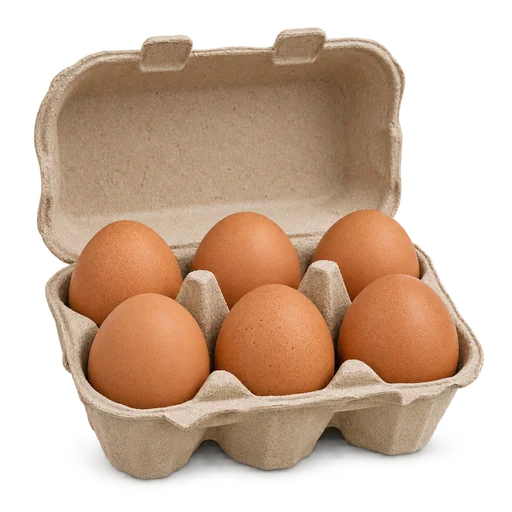
Eggs6 pcs · fridge

Milk1 l · fridge

Pepper2 pcs · fridge01 / FOOOD HOME
Your pantry at a glance
Photos, quantities and storage in one list.
HOME
FOOOD HOME · LESS RUSH, MORE LIFE
A crisp breakfast, a fragrant lunch, a warm dinner together. Bring favourite recipes, your pantry and shopping into one family space — and make daily meals something to look forward to.
✦ Start with a free family space
MORE THAN RECIPES. YOUR HOME FOOD SYSTEM.
FOOOD HOME connects what usually lives in notes, messages and memory. Your ingredients help you choose a recipe, the recipe becomes a shopping list, and cooking becomes a clear series of steps.
EXPLORE THE HOME FLOW
An illustrated preview with sample data. No account is created.
Add products, quantities, units and expiry dates. Keep personal and family stocks separate. Mark ingredients as used and keep your list current.
Create account
Interface illustrations with sample data. Choose “Enlarge” to see the details.
Carrots2 pcs · fridge
Tomatoes500 g · fridge
Broccoli1 pc · fridge
Eggs6 pcs · fridge
Milk1 l · fridge
Pepper2 pcs · fridge01 / FOOOD HOME
Photos, quantities and storage in one list.
Carrots02 / FOOOD HOME
Review stock and update an expiry date.
Carrots2 шт. · For borscht○
Tomatoes500 г · In the fridge○
Broccoli1 шт. · Use first○03 / FOOOD HOME
Choose the right space and keep stocks current.
Search recipes and refine results by meal type and preferences. Explore recipes using ingredients at home, and save favourites for another day.
Create account
Interface illustrations with sample data. Choose “Enlarge” to see the details.
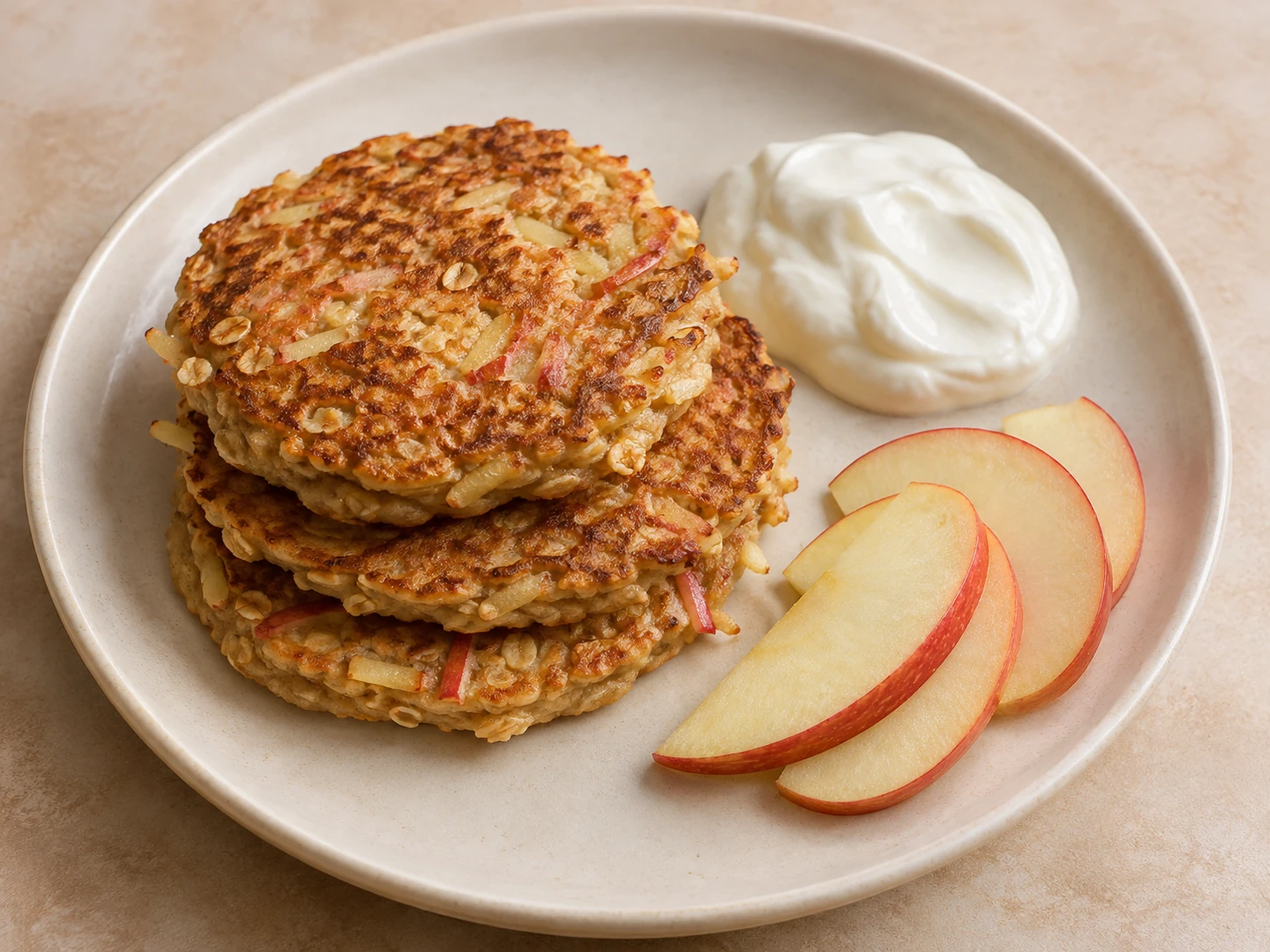
Apple pancakesBreakfast
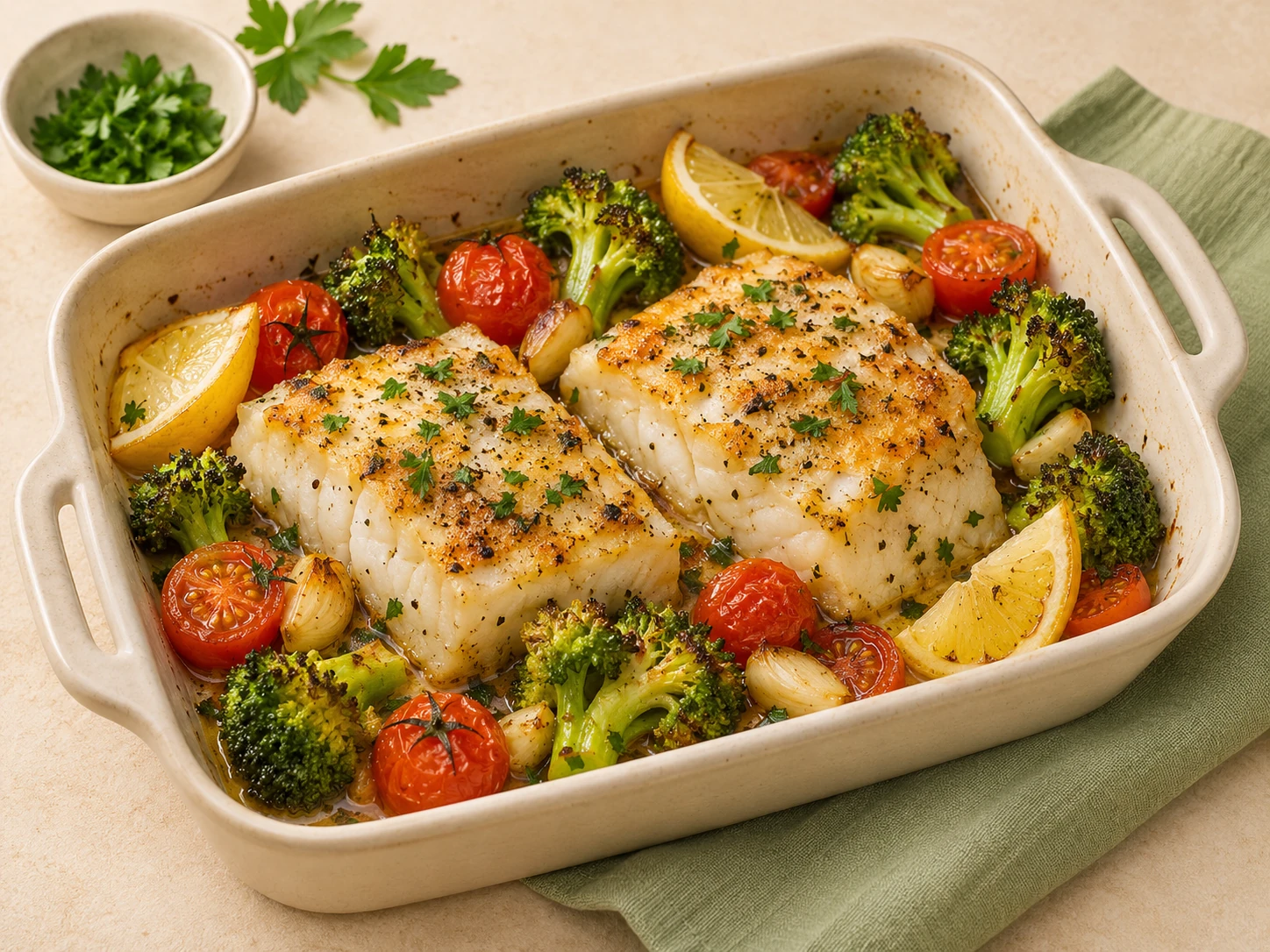
Fish & vegetablesDinner01 / FOOOD HOME
Search, meal types and favourites help you choose.

02 / FOOOD HOME
Ingredients, portions and a path to cooking.
Apple pancakesBreakfast
Fish & vegetablesDinner03 / FOOOD HOME
Return to the dishes you saved.
Add recipe ingredients to your shopping list. Check quantities, browse categories and mark purchased items in your personal or family list.
Create account
Interface illustrations with sample data. Choose “Enlarge” to see the details.
Carrots2 pcs✓
Tomatoes500 g○
Broccoli1 pc○
Eggs6 pcs○01 / FOOOD HOME
Your list, quantities and purchased marks.

CarrotsReview the quantity○
TomatoesReview before shopping○02 / FOOOD HOME
Move from a chosen dish to its ingredients.
VEGETABLES
Carrots2 pcs○
Tomatoes500 g○
Broccoli1 pc○03 / FOOOD HOME
Find the right group of products in the shop.
Open cooking mode for ingredients, individual steps, illustrations and timers where the recipe includes them. Return to the stage you need.
Create account
Interface illustrations with sample data. Choose “Enlarge” to see the details.

Ingredients scale to the selected amount.
Go to the first step ↗01 / FOOOD HOME
Set people and days to calculate portions.

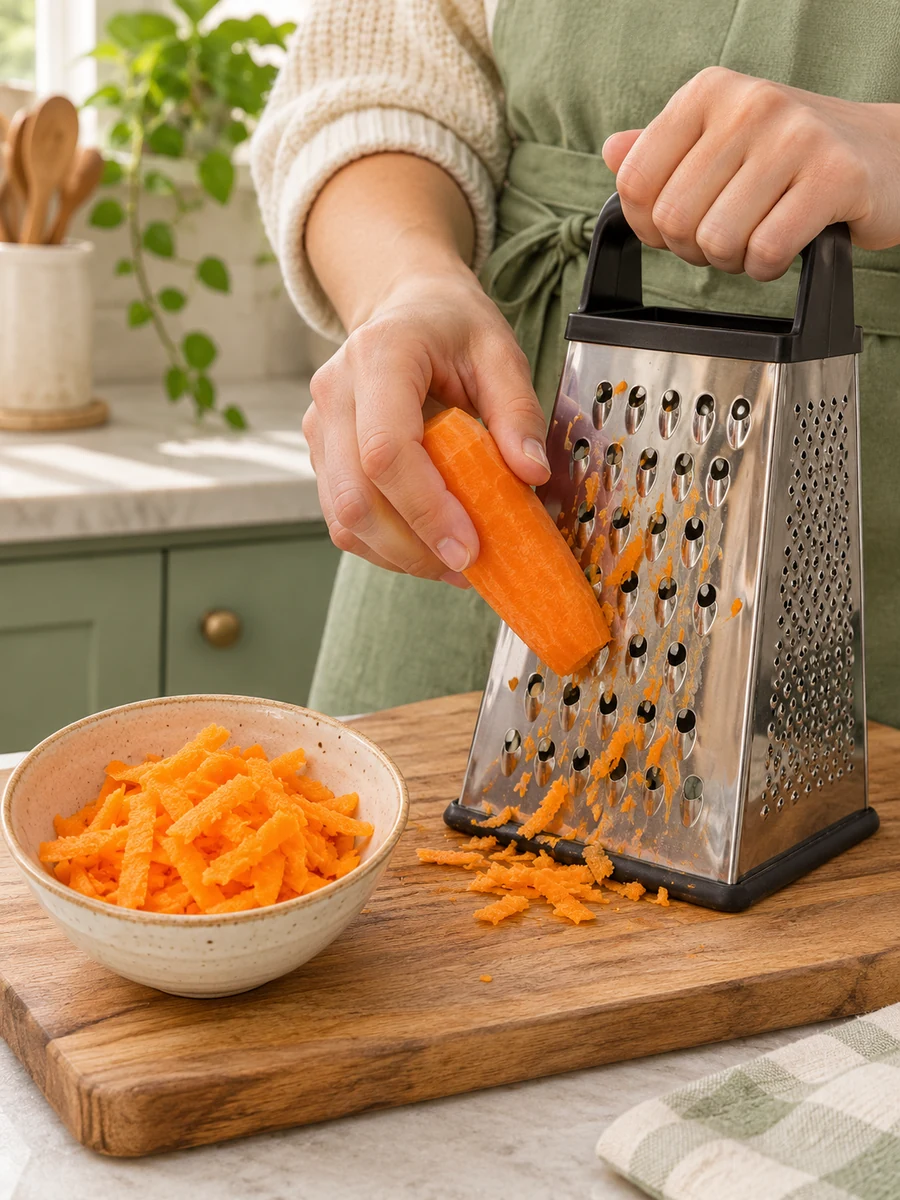
Grate coarsely. Continue when ready.
Next step ↗02 / FOOOD HOME
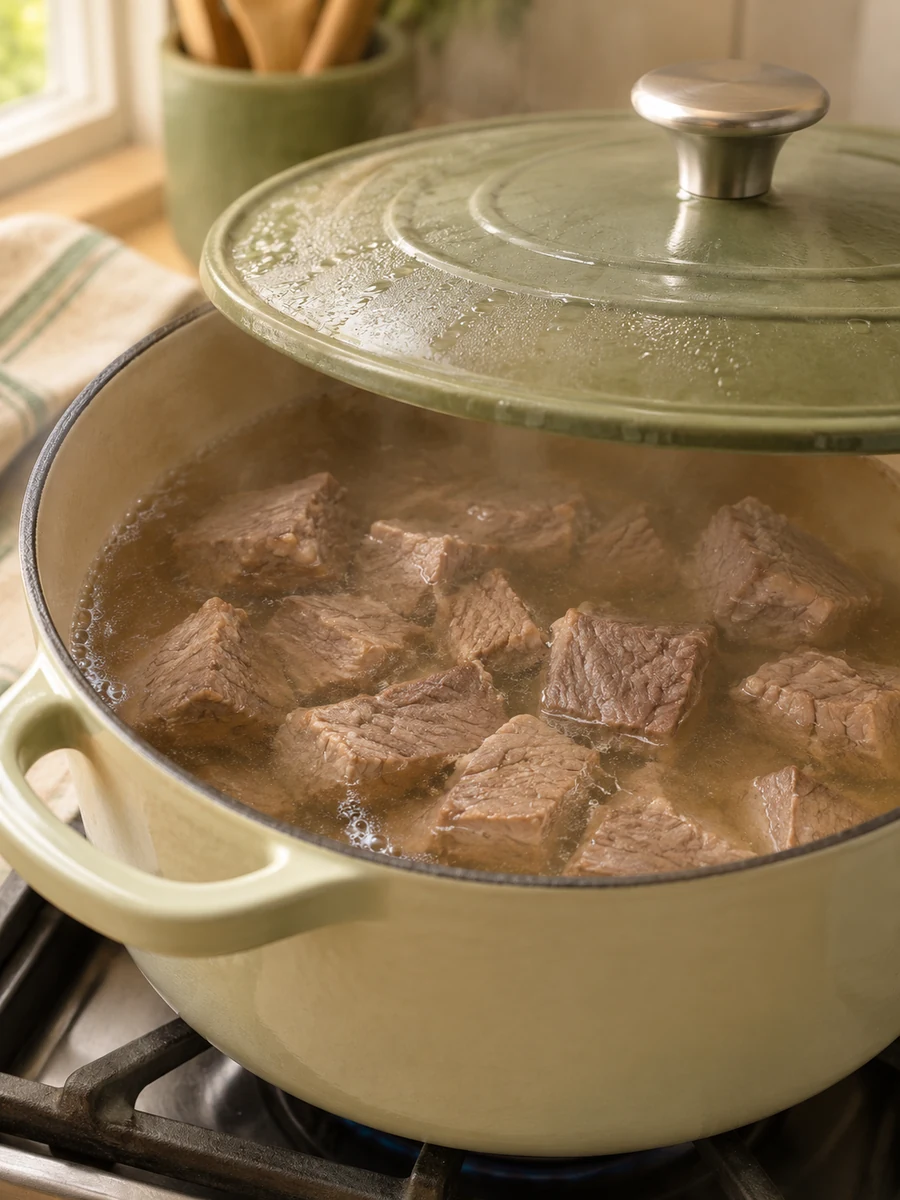
A photograph and instructions keep you on track.

03 / FOOOD HOME
Steps with a set duration include a timer.
FLAVOUR BEGINS IN THE DETAILS
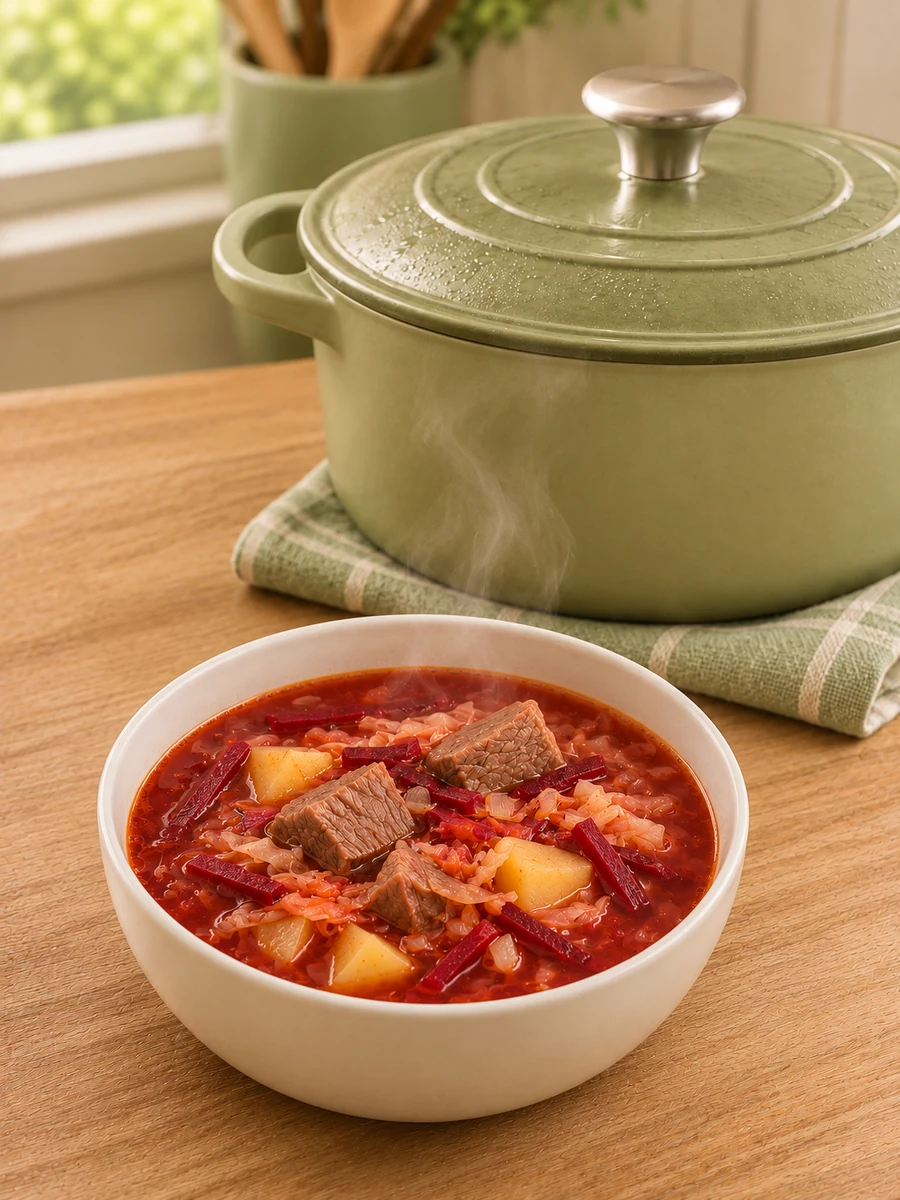
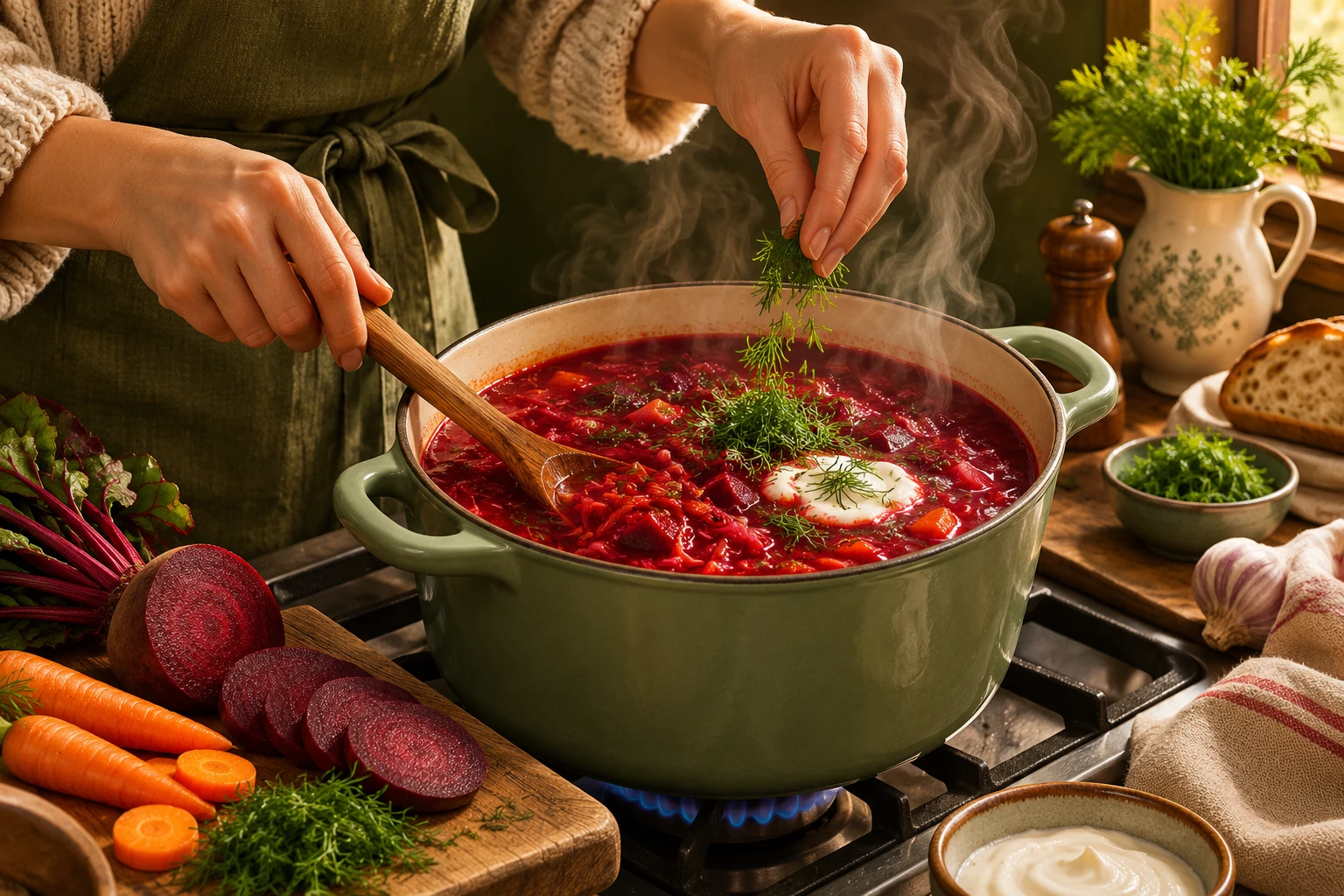
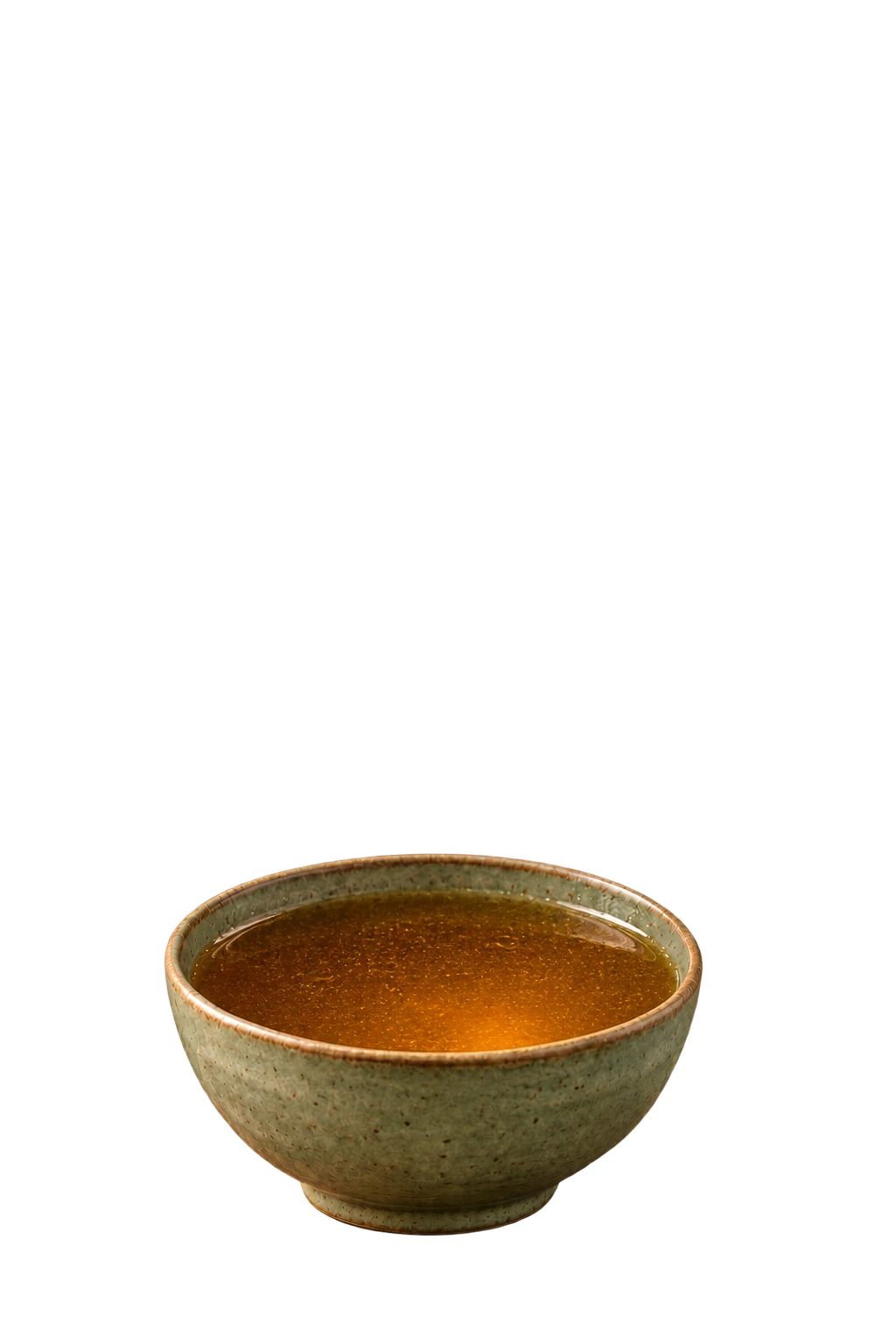
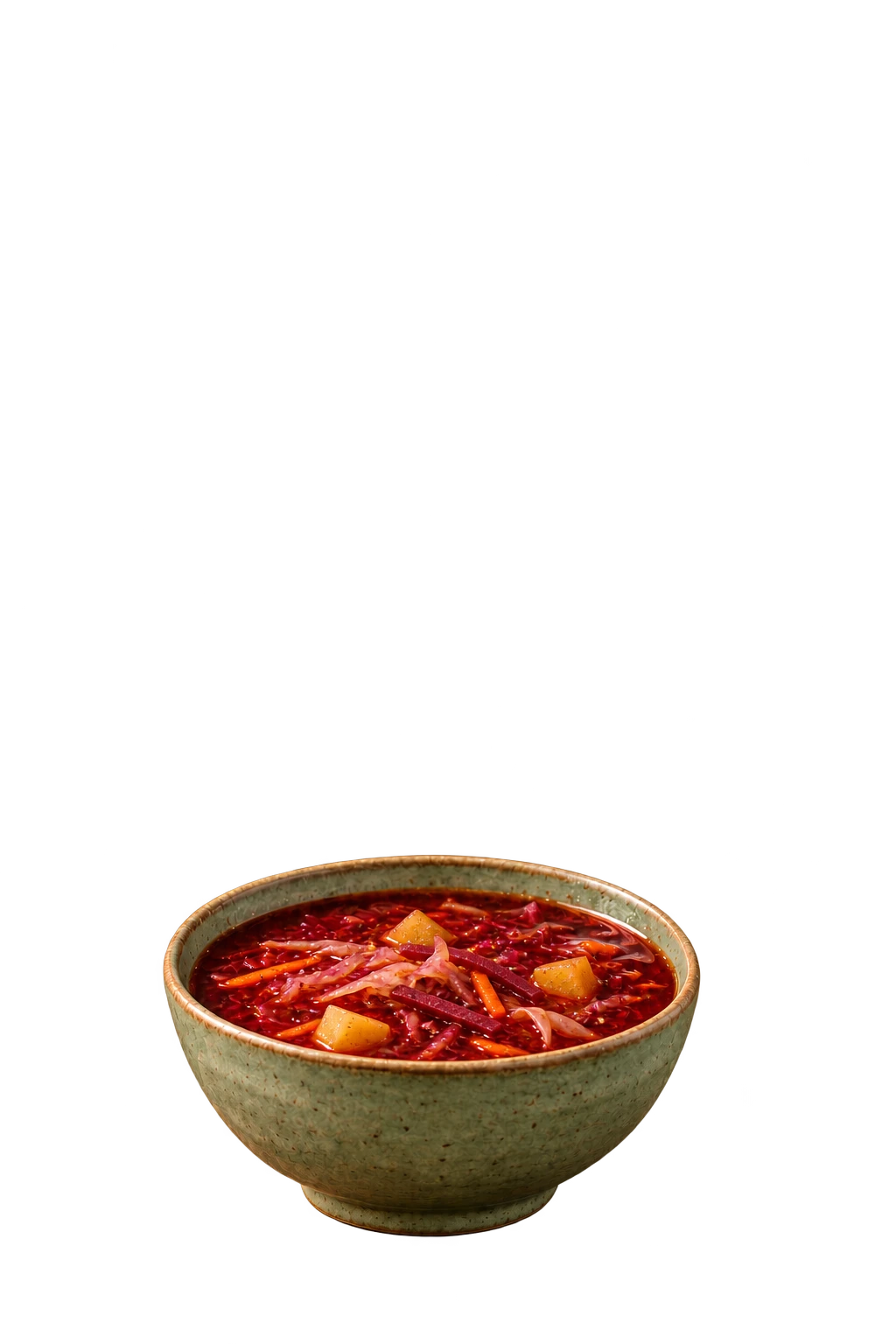
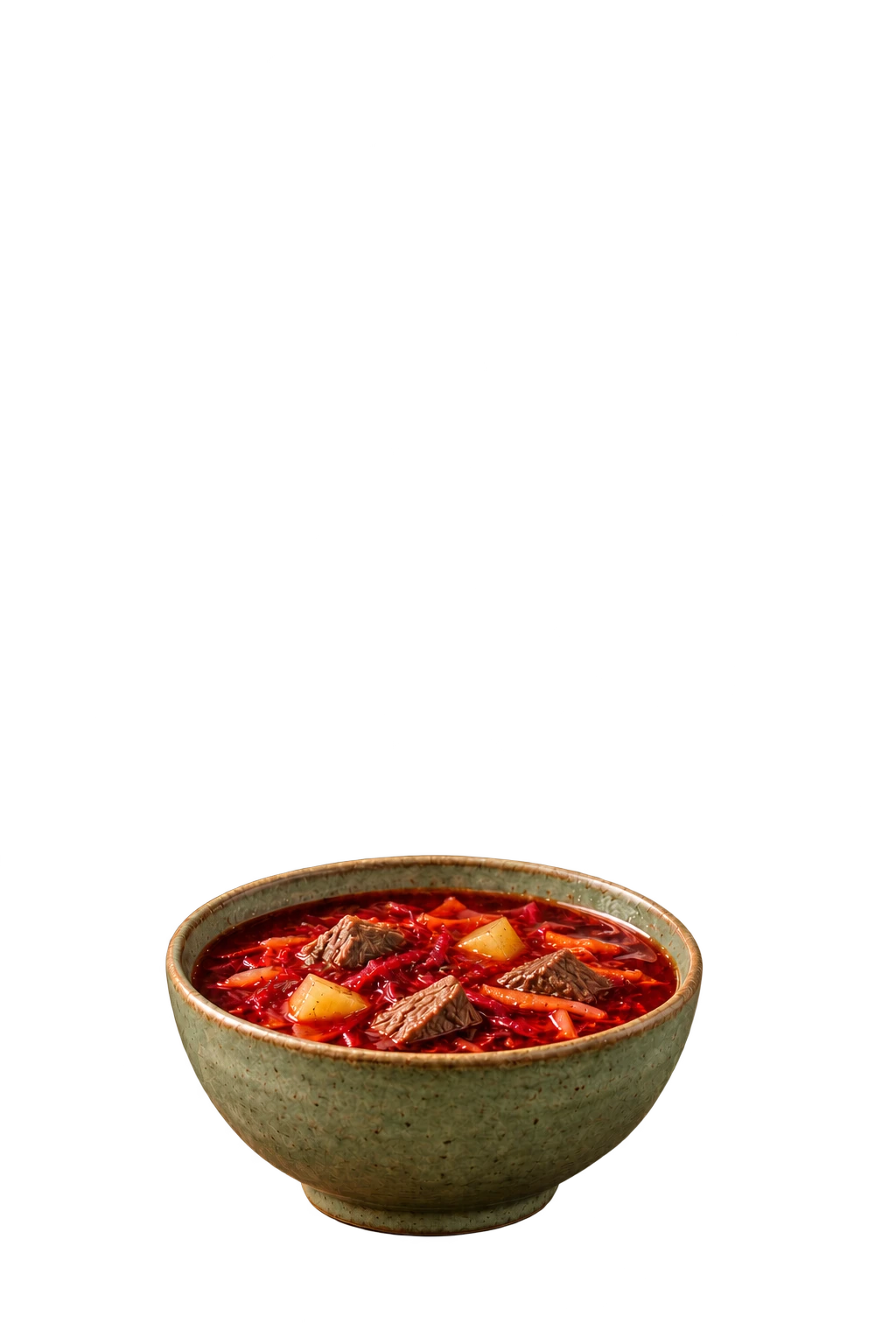
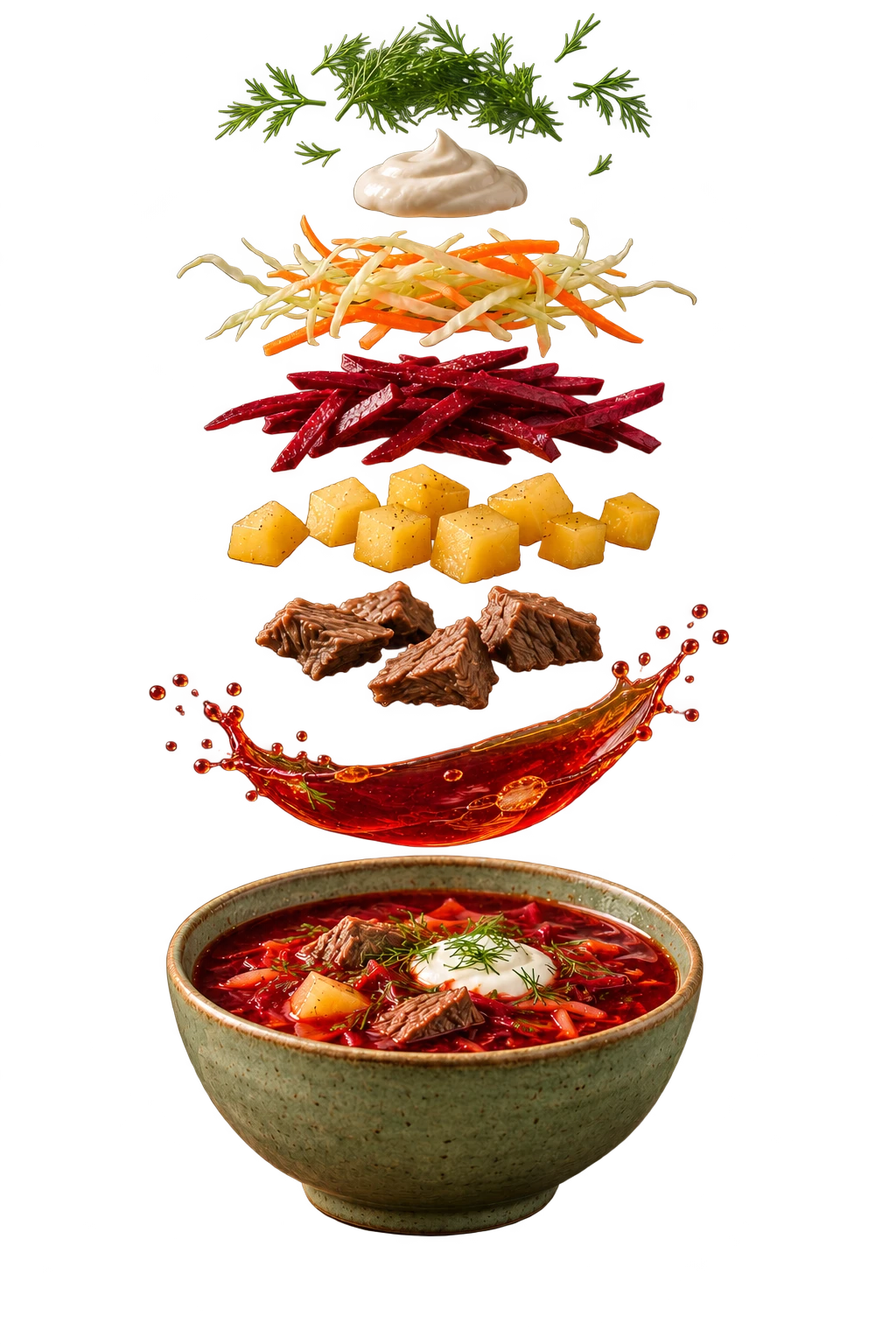
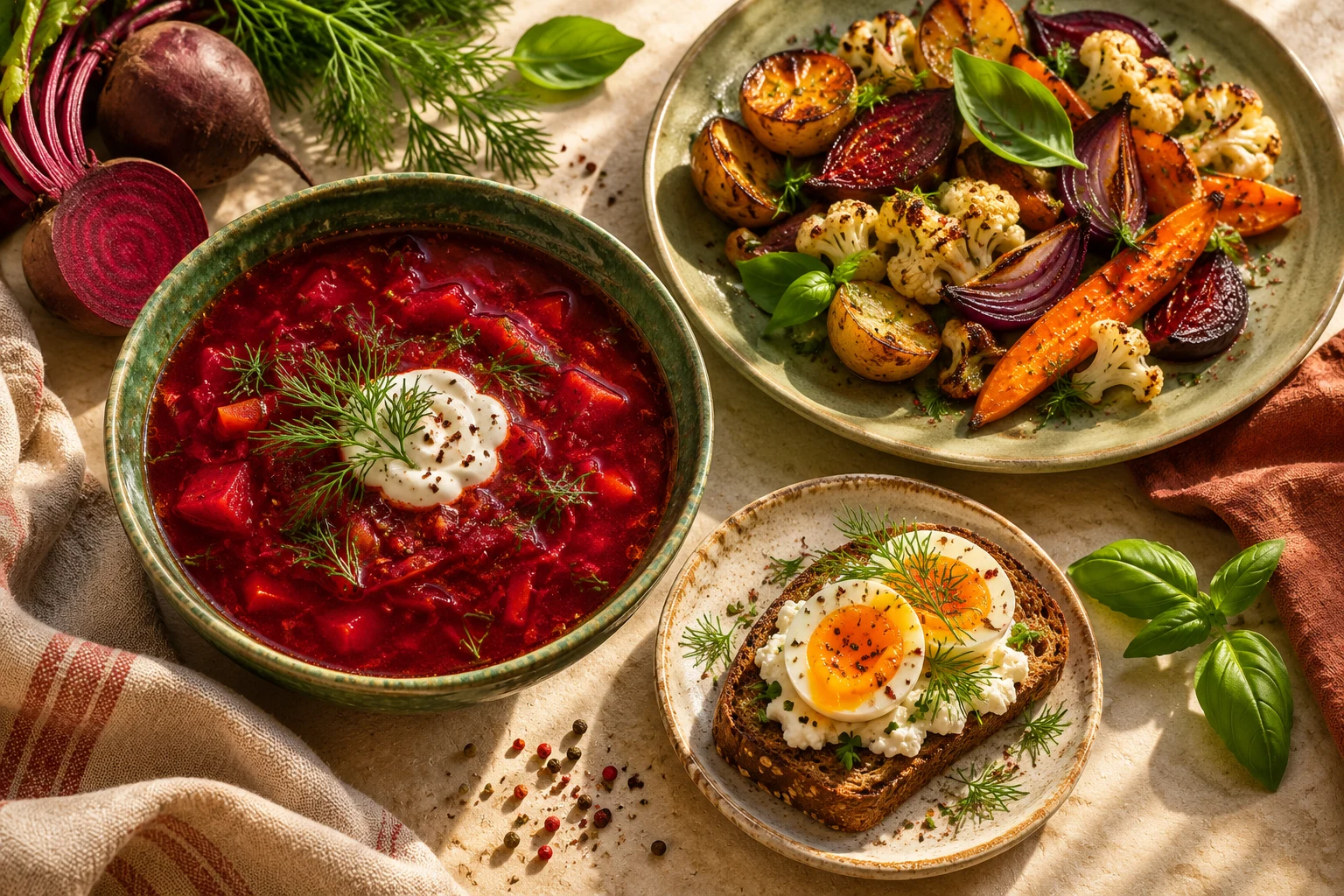
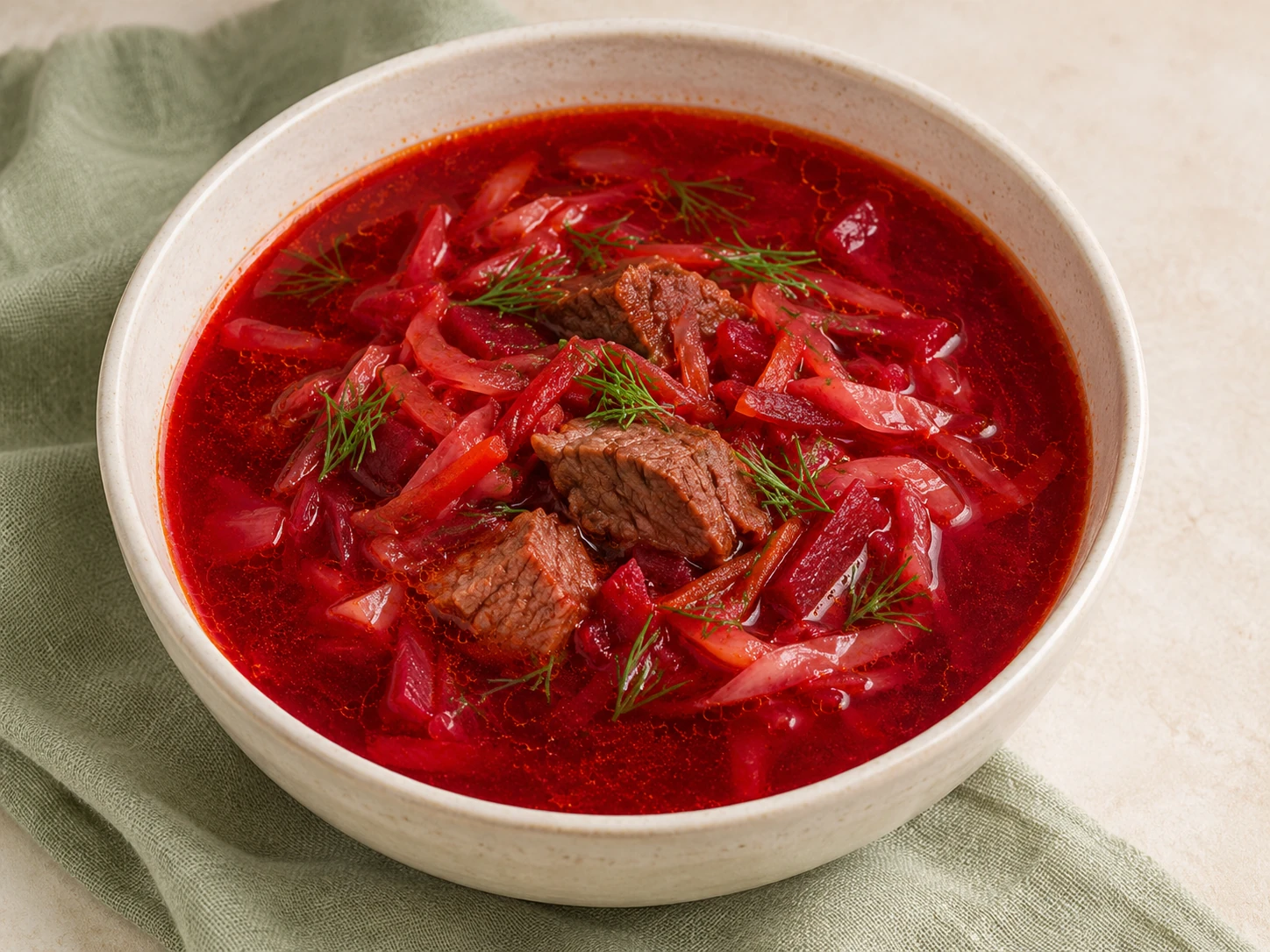
The crunch of cabbage. Ruby beetroot. Warm steam above a bowl. HOME helps bring familiar ingredients together into a meal you look forward to.
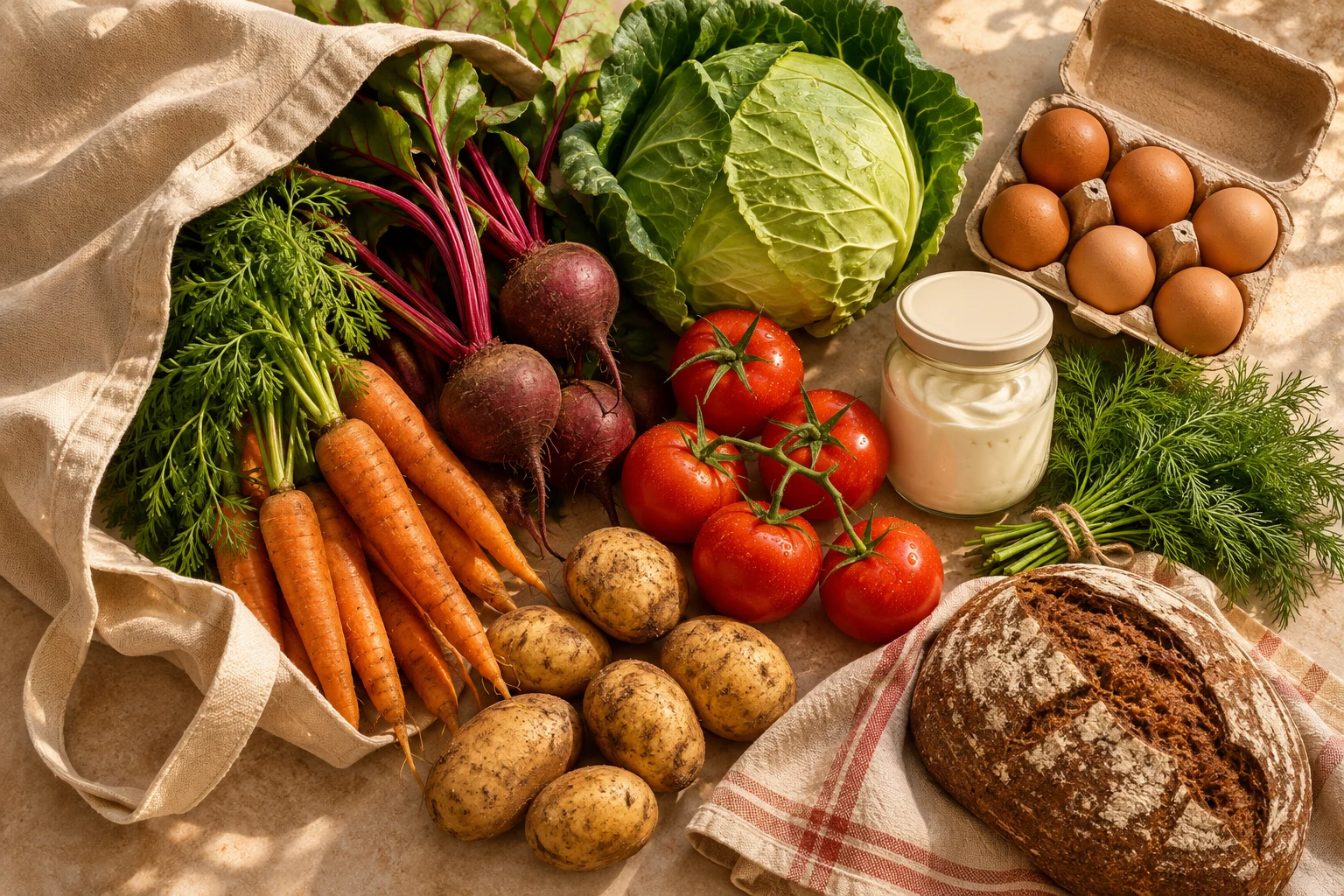
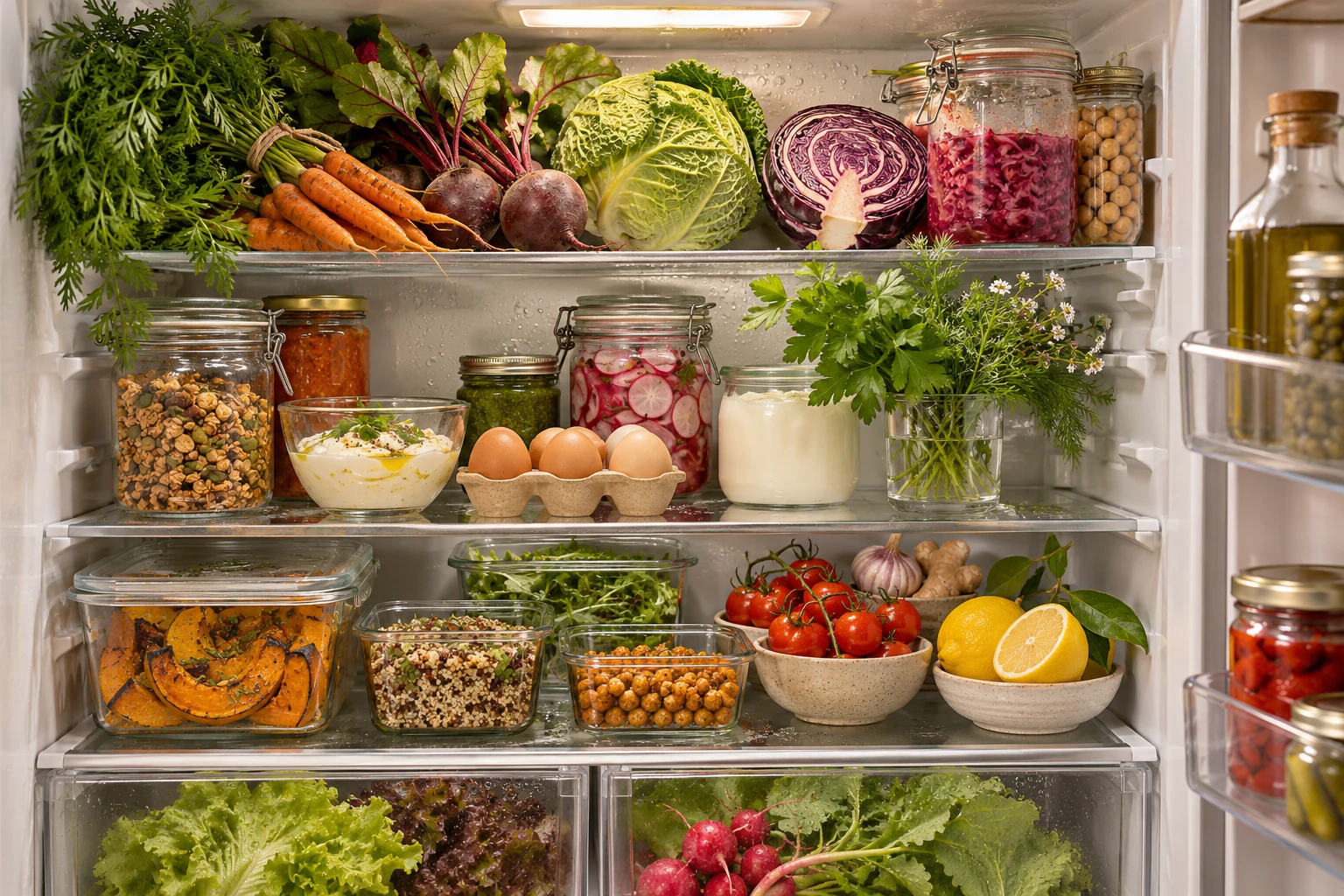
Look through your pantry. Start with the ingredients already waiting on your shelf.
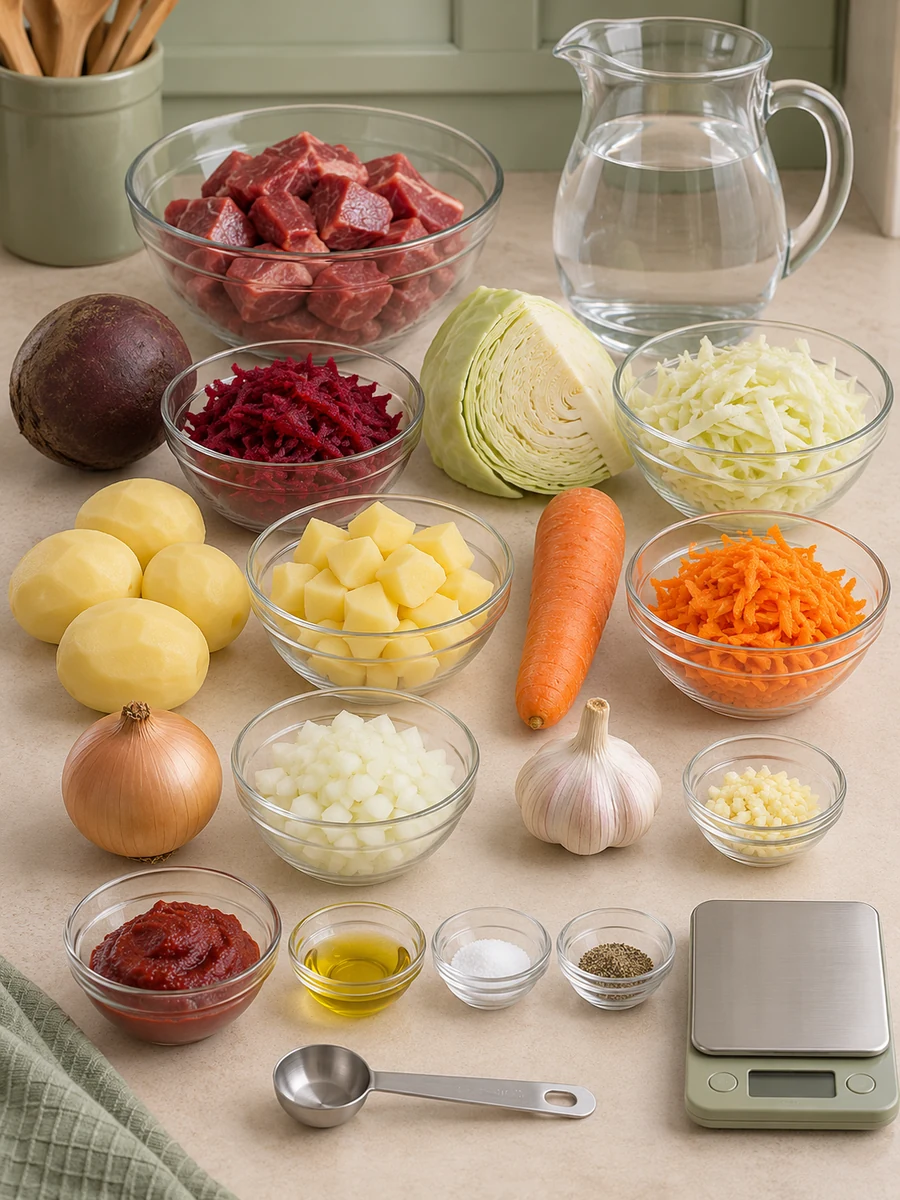
Choose a recipe and see familiar ingredients become something new.
Send ingredients from the recipe to shopping. Keep the quantities in view.
Follow each step, add the finishing touches and bring your people to the table.
SCROLL TO EXPLORE YOUR FLAVOUR STORY
INSPIRATION IS CLOSE AT HAND
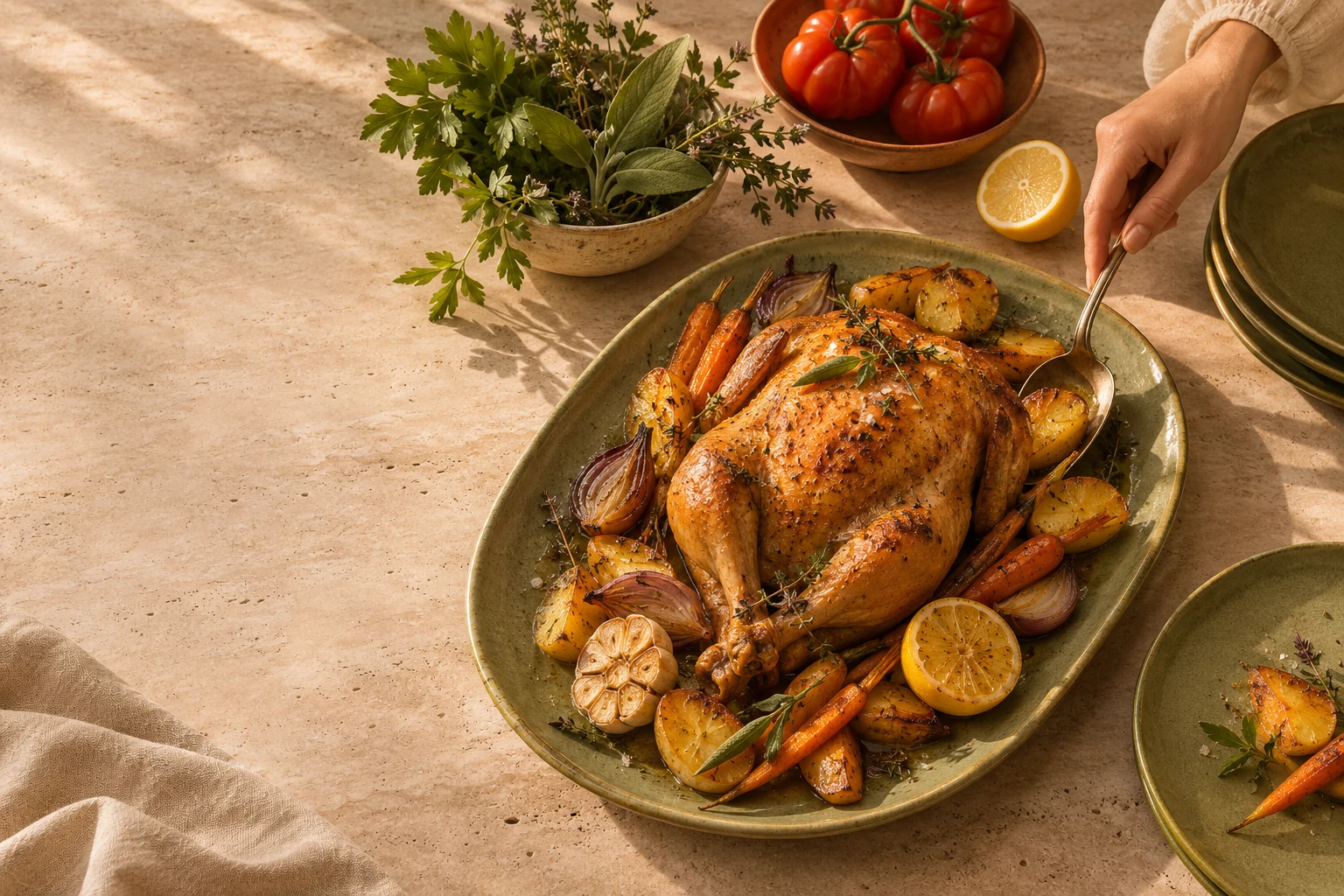
Dish photographs from the FOOOD catalogue. Register to explore search, filters, favourites and step-by-step recipes.
WHAT REGISTRATION OPENS UP
01A catalogue, search, filters and favourites. Save the dishes you love, add your own recipes and build a personal cooking collection.
Find a dinner idea
02Products, quantities, expiry dates and personal or family stocks. Update what remains and mark ingredients as used.
Start with what you have
03Add items manually or from a recipe. Categories, search, quantities and purchased marks make the grocery trip easier.
Keep groceries in one place
04A dedicated step screen, illustrations and timers wherever the recipe provides them. Keep the next action in sight.
Open a recipe and cook
05Set goals, favourite cuisines, food preferences and restrictions. These details help organise recommendations; check each dish’s ingredients.
Make it personal
06Create a family group, invite people by email and manage membership. Switch between your available families and personal lists.
Invite your family
FOOODINDIVIDUAL TASTES. ONE SHARED TABLE.
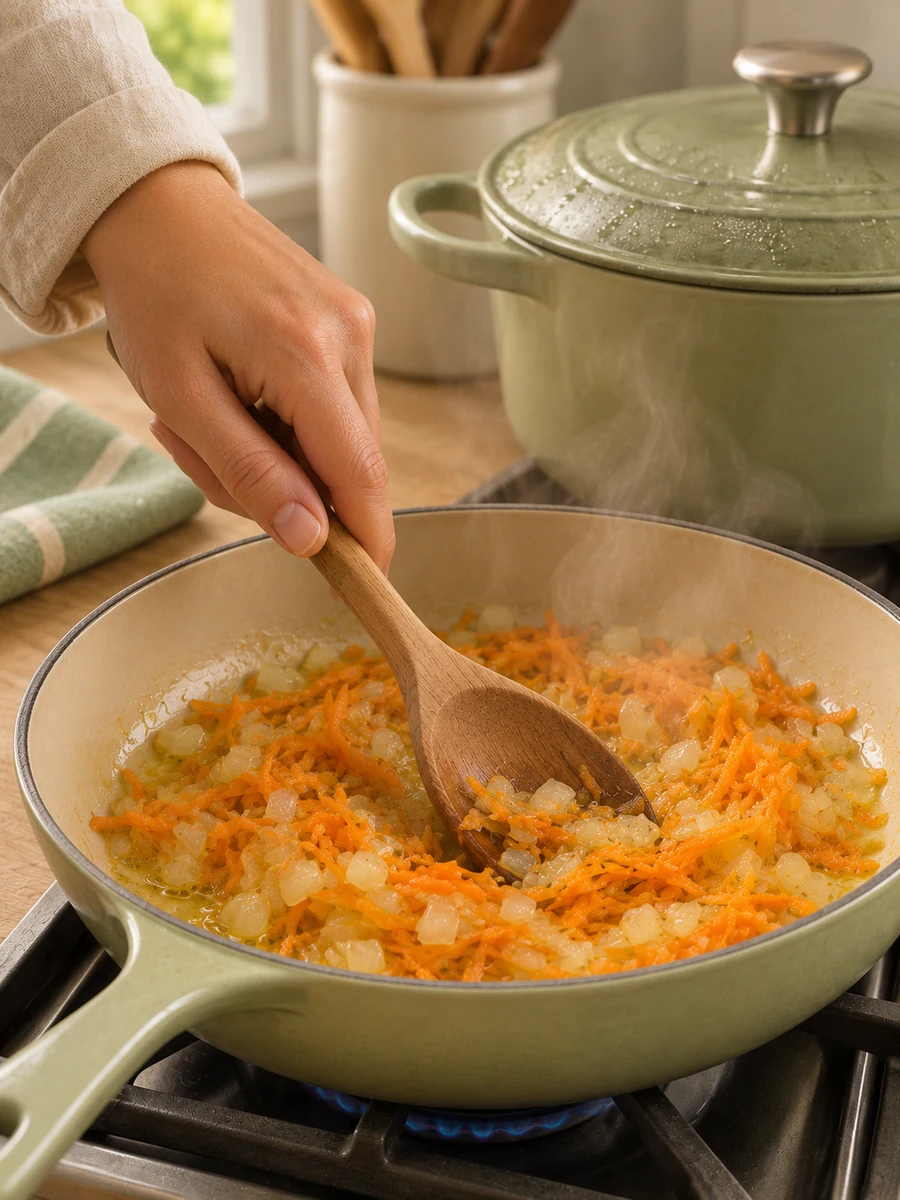
Bring together each person’s tastes, dietary needs, religious preferences and important holiday dates. Find balanced meal ideas for one person and the whole family, so meal prep takes less time and you can spend more time together.
FROM AN IDEA TO THE DINNER TABLE
MorningSee what is at home and choose ingredients you want to use.
AfternoonBrowse the catalogue, use filters and save favourites.
On your way homeAdd ingredients to shopping, review quantities and mark purchases.
EveningOpen cooking mode. Follow the recipe and focus on dinner instead of searching through notes.

CARE WORTH SHARING
Start with a free family space: discover recipes, save favourites, and keep your pantry and shopping together. We are developing advanced planning tools for the people who cook and take care of everyday meals.
Create account The subscription model is in development. Access, monthly pricing and transfer terms will be shown before subscription.a little tastier, every day
MORE ROOM FOR THE PERSON WHO COOKS
01Recipes, tastes, lists and a shared space help everyone take part in family meals. Free participation is planned for children and older family members.
02Advanced access is planned to include multi-day menus, a choice of dishes and additional tools for coordinating cooking and shopping.
03A monthly subscription belongs to one family account. Transfer it to someone close when they take care of the kitchen.
04You will be able to gift a subscription to a family member — a thank-you for the breakfasts and dinners that bring you together.
In the planned basic model, a family agrees on one dish for breakfast, lunch or dinner; advanced access adds options and menu planning. One member holds a subscription at a time. Subscription, gifting and transfers are in development.
Create your home spaceFOOOD / FAQ
The basic family space is designed for free participation. A monthly subscription extends one account’s tools and will be transferable within the family. Free participation is planned for children and older family members. Access and terms will be shown before subscription.
Yes. Gifts to a family member are part of the new subscription model. Gift purchase is in development.
Yes. Start with a personal profile, recipes and personal lists. Create a family and invite people later.
Create a family group in your profile and send an email invitation. Once accepted, a member can access the shared family space within their membership.
HOME helps organise food and preferences. Recipe recommendations do not replace professional advice. Check ingredients and follow your clinician’s advice for allergies or prescribed diets.
No. Add ingredients to shopping, then review the items and quantities.
These are planned development scenarios. Start with the implemented tools: recipes, stocks, shopping, profile, family and step-by-step cooking.
Choose password recovery on the sign-in page and enter your account email.
FOOOD · HOME
Choose a dish that makes you want to sit down to dinner. Save the recipe, invite your people and begin your own family food story.
Create your home space Start with a free family space